


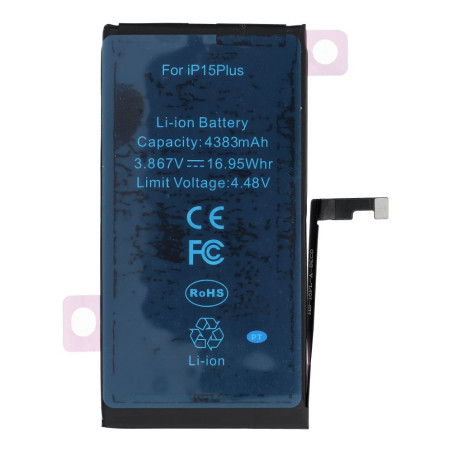
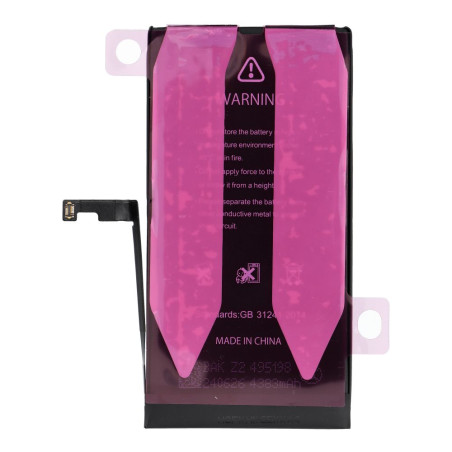





The Diagnosable-type battery for iPhone is a modern alternative that completely bypasses complicated processes such as soldering, transferring the BMS, spot…


 SSL-verschlüsselt
Ihre Daten sind bei uns sicher
 Versand aus DE
Schnell & sicher mit Post, DHL und GLS
 14 Tage Widerruf
Gesetzliches Widerrufsrecht
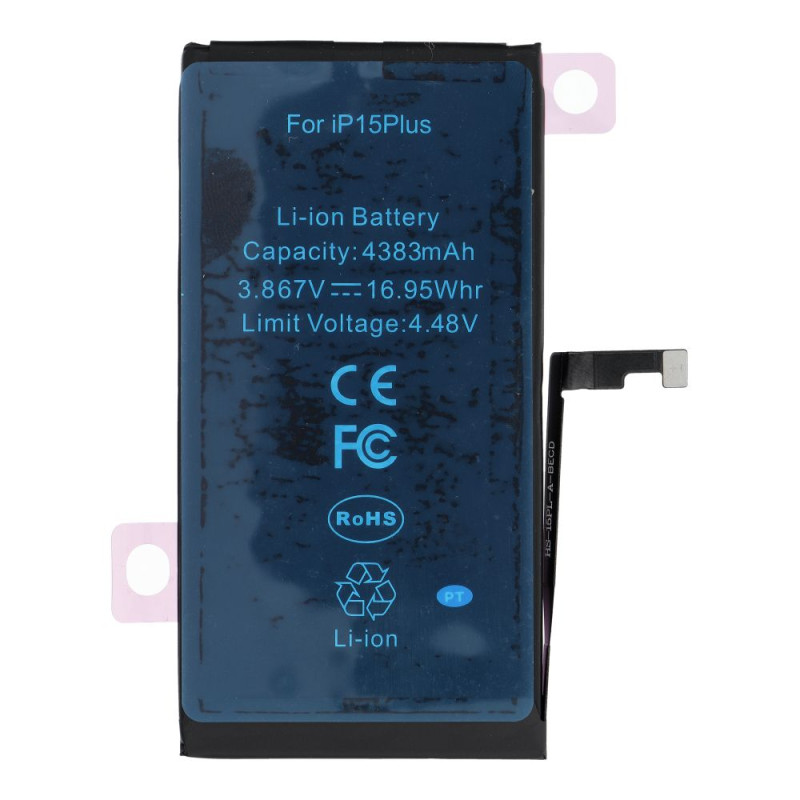
The Diagnosable-type battery for iPhone is a modern alternative that completely bypasses complicated processes such as soldering, transferring the BMS, spot welding, or battery programming. Using a plug-and-play mechanism, simply install the new battery in the device and complete a short pairing procedure in diagnostic mode. The operating system will accept the component as a genuine or used part, so no unidentified component notifications will appear on the screen.
Battery pairing instructions
Prerequisites: iOS 18 or later and a stable internet connection.
Quick setup procedure in seven steps:
1. After physically installing the battery in the phone, the system will detect it automatically.
2. Open Settings, select General, then About, and go to the Parts and Service History section.
3. Select the notification concerning the new battery and confirm by choosing Continue.
4. Connect to a Wi-Fi network and follow the instructions displayed on the screen.
5. Confirm acceptance of the terms and conditions, which will cause the system to treat the cell as an original component.
6. Restart the device after the entire process has been completed.
7. Check the battery condition in Settings by selecting Battery and then Battery Health.
If the standard configuration method fails:
- Turn the phone off completely.
- Press and hold both volume buttons at the same time, for volume up and volume down.
- Connect the charging cable while continuing to hold the volume buttons.
- Release the buttons when the manufacturer's logo appears on the display.
- Follow the diagnostic messages shown on the screen.
Important usage notes
The presented component remains fully compatible with system versions from iOS 18 to iOS 26, provided that stable, official software releases supplied by Apple are installed. Pairing stability is not guaranteed when using beta test software. Any changes introduced in future system updates may affect the component recognition process, which is beyond the control of the distributor and battery manufacturer, and they do not guarantee that the pairing function will operate on such systems.
Technische Daten
Besondere Bestellnummern
The Diagnosable-type battery for iPhone is a modern alternative that completely bypasses complicated processes such as soldering, transferring the BMS, spot…